








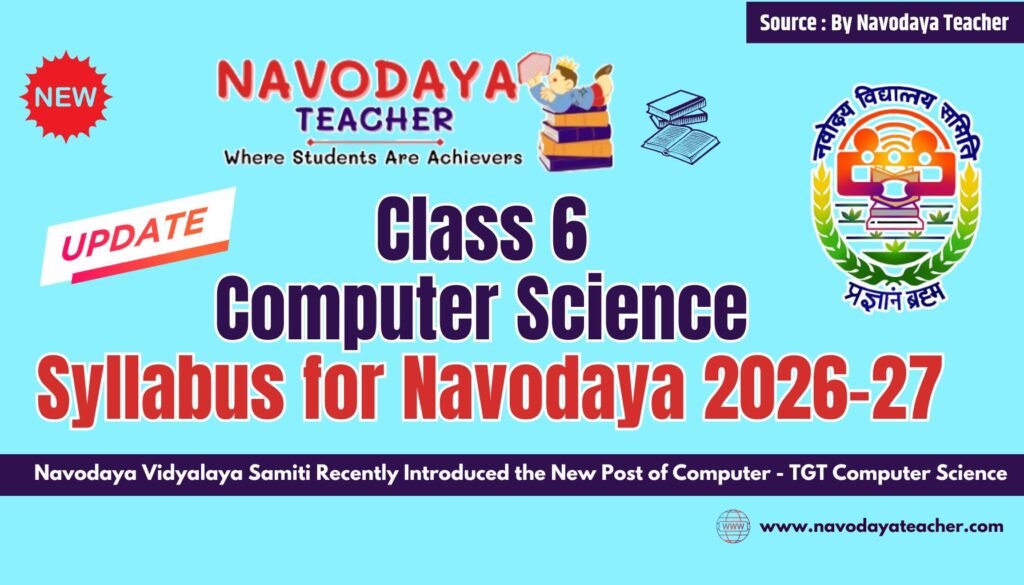
In this article we providing information regarding Latest Class 6 Computer Science Syllabus for Navodaya 2026-27
Latest Class 6 Computer Science Syllabus for Navodaya 2026-27
| Month | Units/Subunits/Topics to be Covered |
| Apr-2026 June-2026 | Computer Fundamentals (Part 1): Brief History of Computers, Types of Memory (Primary/Secondary). Input and output devices Operating Systems: Windows 10/11/Linux basics. Exploring saved files performing basic operations like (Save, Copy, Cut, Paste, Save As) |
| July-2026 | Computer Fundamentals(Part 2): Shutting down the computer properly log in to the computer Connecting different devices to computers.opening and using basic applications on the computer (browsers, calculators, document editors, paint) Concept of hardware/software f) Basic notes creating & saving using Notepad/Text Editor. |
| August – 2026 | Using Paint(MS Paint/Pinta(OpenSource)): Introduction Introduction to 3D paint Brush How to start a paintbrush Home tab Image menu command. Flip/rotate. Stretch/Skew Invert ColoursAttributes. Clear Image. Pencil eraser, fill with colour, pick colour, brush, airbrush, Text tool, shapes, magnifier |
| September – 2026 | Word Processing (Libre office Writer /MS Word/Google Docs (Part 1): Document formatting: bold, italic, underline, font change, margins Tables, and Page Layout. Letter writing Headers/Footers Text Alignment – Left, Right, Centre, Justify Bullets and Numbering – Creating lists |
| October / November 2026 | Word Processing(Libreoffice Writer /MS Word/Google Docs (Part 2): Find and Replace Line Spacing and Paragraph Spacing Inserting Symbols and Special Characters Typing Practice and Keyboard Shortcuts (Basic) e) Inserting Pictures and Shapes f) Saving, Opening and Printing Documents g) Spell Check and Grammar Check |
| December – 2026 | Internet & Safety: Netiquettes and Effective Web Searching(Part 1): Introduction to the Internet – Meaning and basic uses Web Browser and Search Engine – Basic understanding (e.g., Google Chrome, Mozilla Firefox, Google Search) Effective Web Searching – Using proper keywords Using Quotation Marks – Searching exact phrases Identifying Reliable Websites – Checking author and source Understanding Website Domains – .com, .org, .gov, .edu (basic idea) What is Netiquette? – Meaning and importanceRules of Netiquette – Polite language, no spamming, respectful communication |
| January 2027 | Internet & Safety: Netiquettes and Effective Web Searching (Part 2): Online Safety Rules – Not sharing personal information Strong Password Awareness – Importance of secure passwords Cyberbullying Awareness – Being kind and reporting issues Safe Downloading Practices – Avoid unknown links and attachments Digital Footprint – Understanding that online actions leave records Balanced Internet Use – Managing screen time responsibly |
Sharing is Caring.
Thanks to Beloved Readers.
